
Before opening GCash
- Finish the NBI online application far enough for the system to generate a reference number.
- Save or screenshot that reference number.
- Confirm the amount shown by the official NBI system.
GCash payment flow
In the current GCash experience, NBI payments are commonly handled through the app’s bill-payment flow under government billers. Because app menus can change, use the biller name and fields shown in your current GCash app and match the NBI reference number exactly.
After paying
- Keep the GCash receipt.
- Return to the official NBI portal and check the transaction status.
- If the payment is delayed, do not make a second payment until you have verified the first transaction.
GCash mistakes that can cause payment trouble
Using the wrong reference number
The payment is tied to the NBI transaction identifier. Check every digit before confirming the bill payment.
Paying before the NBI transaction exists
Generate the reference number on the official NBI portal first. A payment without the correct transaction context cannot safely be matched to your application.
Paying a personal GCash number
A person asking you to transfer money directly to their wallet is not the normal official NBI bill-payment route. Do not pay a “rush fee” for a guaranteed slot or cleared HIT.
GCash payment FAQs
How much should I expect to pay?
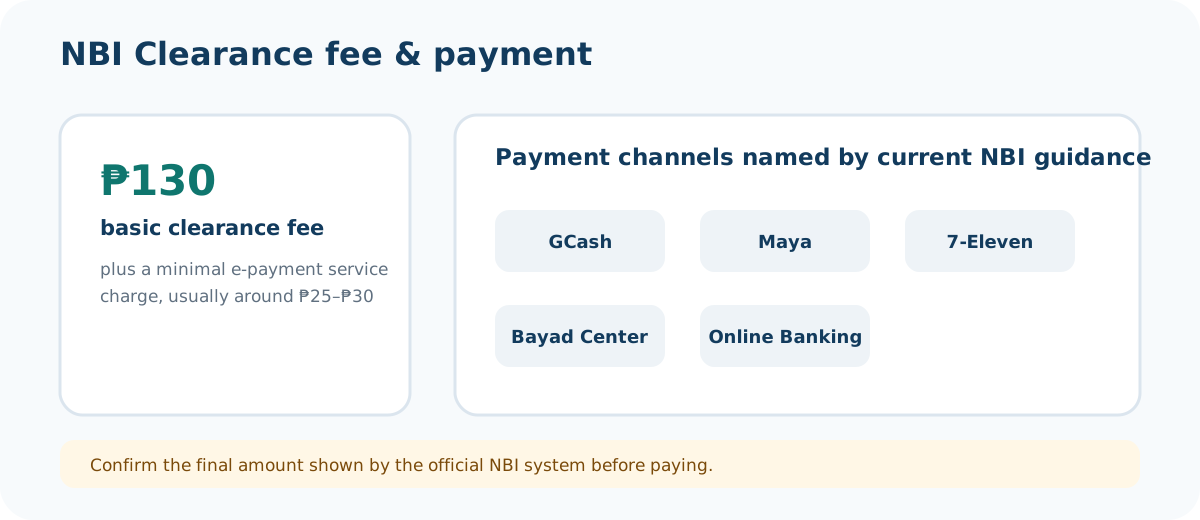
The NBI currently lists a ₱130 basic fee plus an e-payment service charge usually around ₱25–₱30. Confirm the live total before payment.
What should I save after paying?
Save the GCash receipt and your NBI reference number until the transaction is reflected and the branch processing is complete.
Should I pay again if the status is slow?
No, not as your first step. Verify the first transaction and use official support if it remains unresolved.