
Registration steps
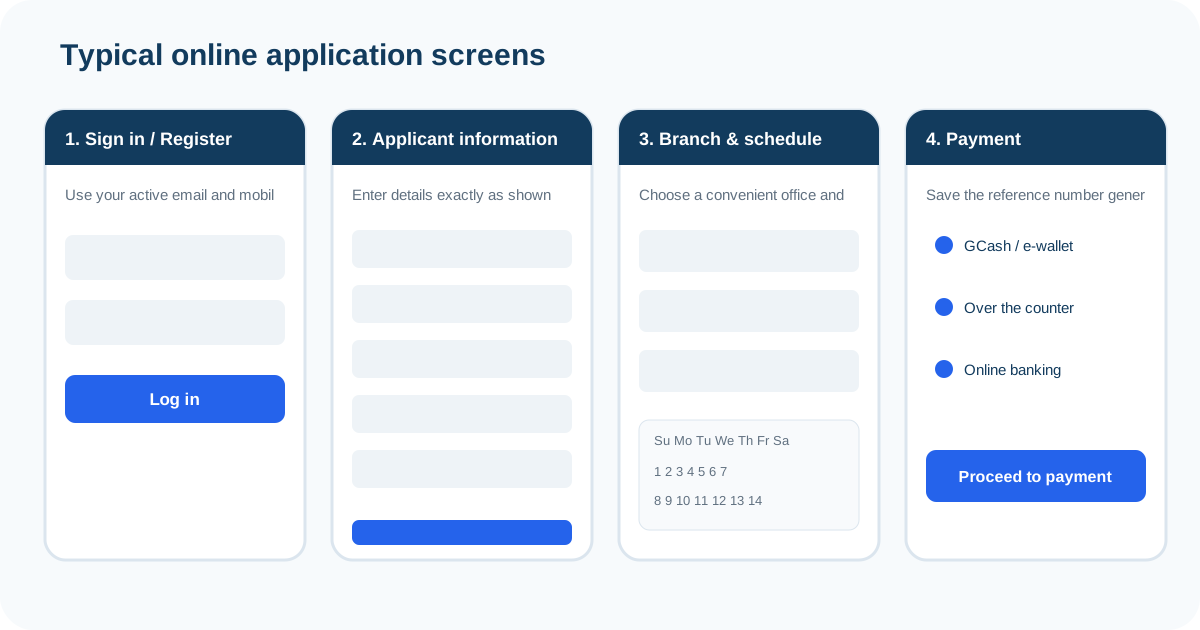
- Open the official NBI Clearance Application Portal.
- Complete the Register section if you do not already have an account.
- Use an active mobile number and email address so you can receive the OTP and recover the account if needed.
- Log in and complete the Applicant Information Form.
- Review the spelling of names, birth details and other information before saving.
First-Time Job Seekers should use the dedicated facility
If you are claiming the free NBI Clearance benefit under the First-Time Job Seeker program, the NBI’s current how-to page directs you to the dedicated FTJS portal rather than treating the application as a normal registration.
What information should match your IDs?
Pay particular attention to your legal name, birth information and other identifying fields. If the online profile contains a different spelling from the ID you bring, the branch may need to resolve the discrepancy before printing the clearance.
Keep control of the email and mobile number
The registration process uses an OTP and the account may need recovery later. Avoid using a temporary number or an email address you cannot access reliably.
Do not create duplicate accounts as a first fix
If the problem is a forgotten password or OTP issue, use the official account recovery route first. Repeated accounts can make it harder to remember which profile contains the paid transaction.
Registration FAQs
Where should I register?
Use the official NBI Clearance Application Portal at clearance.nbi.gov.ph.
Why does NBI need an active mobile number and email?
The current how-to page says an OTP is used to verify registration, so access to those contact details matters.
Should first-time job seekers register on the normal page?
If you are claiming the FTJS benefit, the NBI directs you to the dedicated First-Time Job Seeker portal.